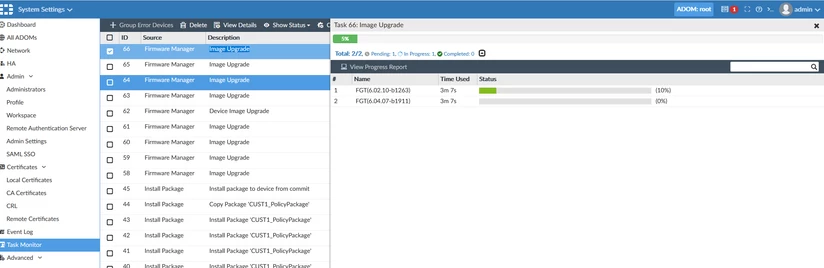
Using The Firmware Manager CLI And API
Description
This article describes how to use the Firmware Manager CLI and API.
Scope
FortiManager v6.2, v6.4, v7.0.
Solution
1. The Firmware Manager in FortiManager can be accessed through the GUI, CLI, and API.
To upgrade a FortiGate using Firmware Manager CLI:First, verify the upgrade path. In this example, a VM64 device is upgraded from v5.6.14 to v6.4.7:
2. If the device is already registered in FortiManager, the upgrade can be scheduled using:
null → default options
bool_alt → boot from alternate partition after upgrade
skip_retrieve → do not retrieve configuration
skip_multi_steps → ignore upgrade path
fortiguard_img → download firmware from FortiGuard