How to check the FortiGate upgrade path on FortiManager
Description
This article explains how users can check the FortiGate upgrade path using FortiManager.
Scope
FortiManager.
Solution
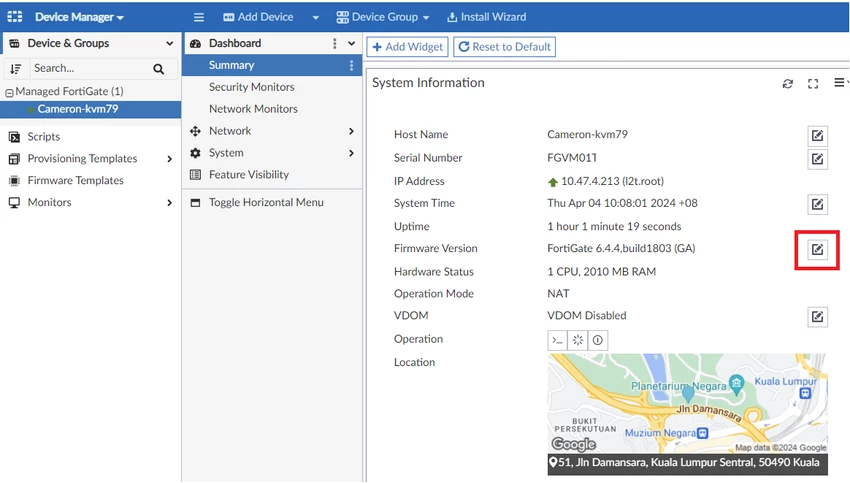
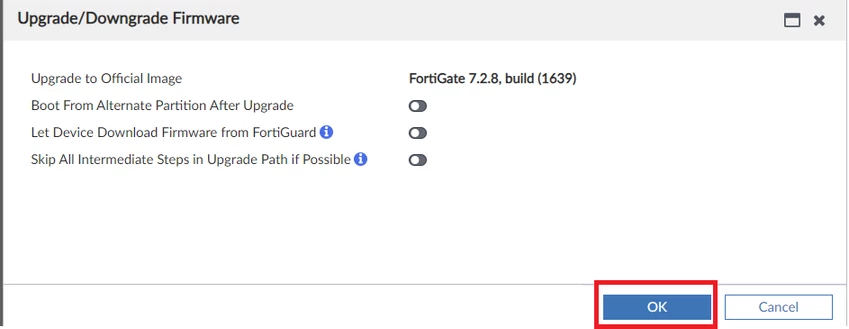
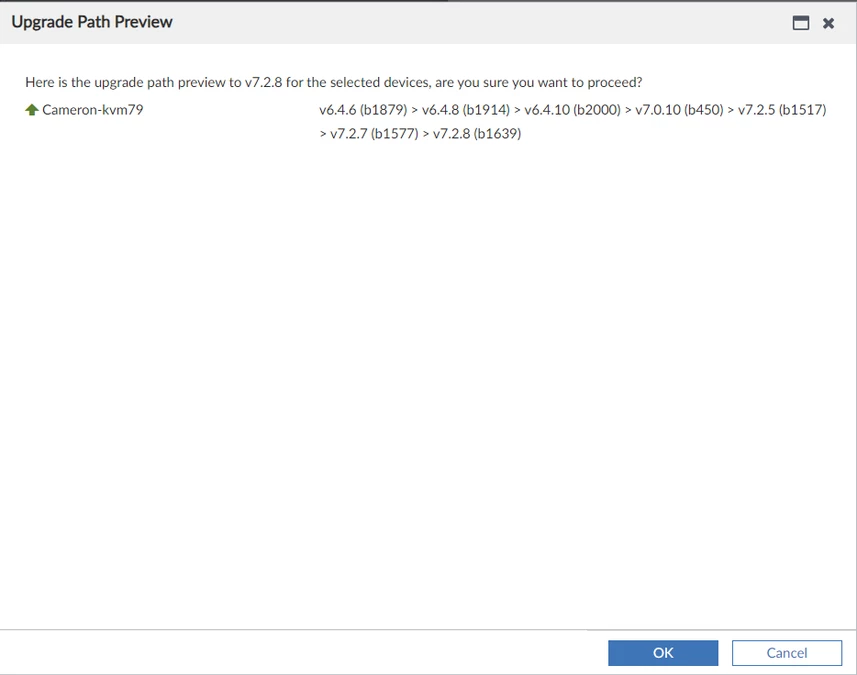
Option 1: In FortiManager, go to Device Manager and select the FortiGate. Click the pencil icon next to the firmware version, choose the required firmware version, select Upgrade, and review the upgrade path preview.
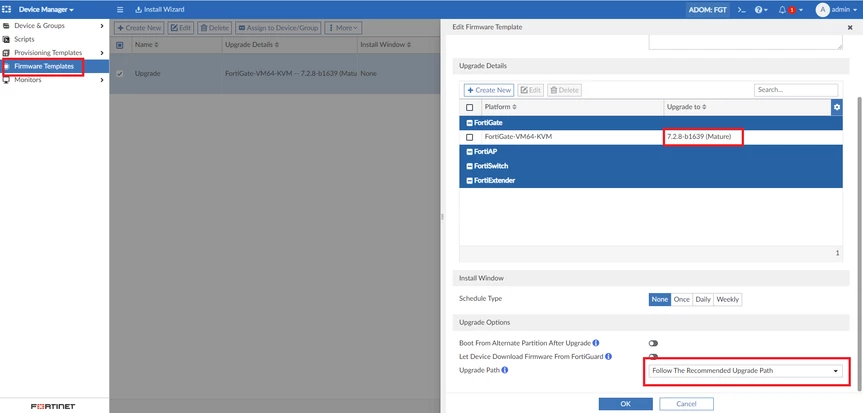
After the firmware template is created in FortiManager, right-click the template, select “Assign to Device/Group”, and assign the required FortiGate device or group.
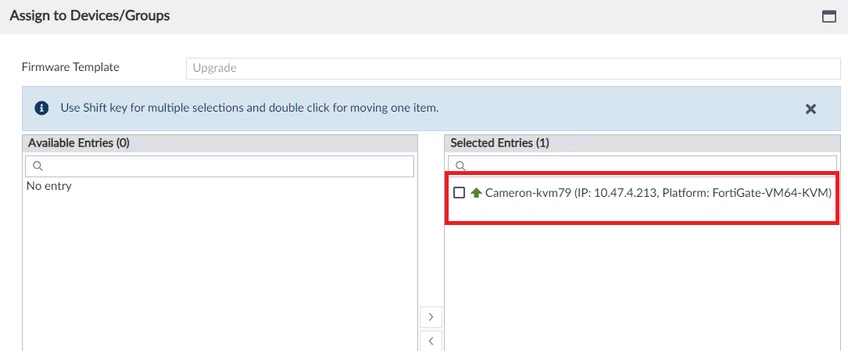
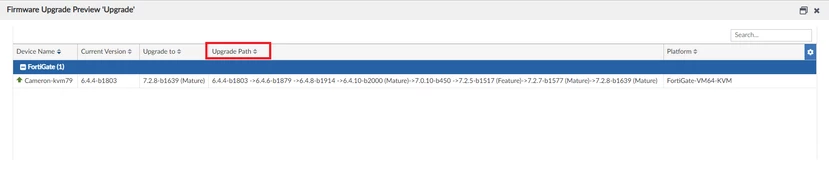
Once the FortiGate has been assigned to the firmware template, 'right-click' on the template, select 'Upgrade Preview' and check the Upgrade Path.